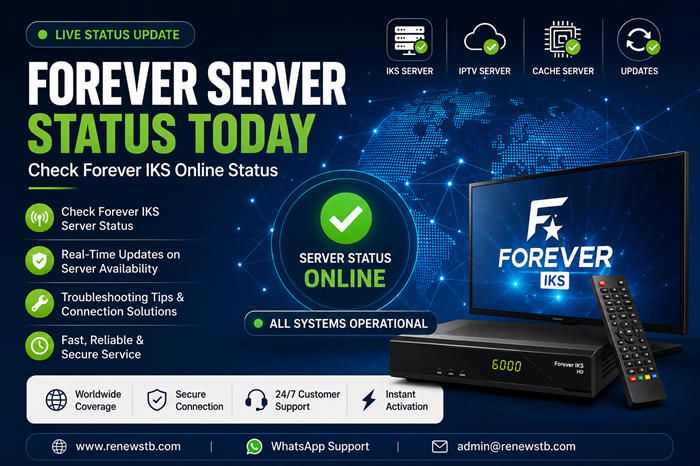
Forever Server Status Today | Check Forever IKS Online Status
Forever Server is one of the most widely used IKS (Internet Key Sharing) services available on compatible satellite receivers. Users often search for the latest server status when channels stop opening, connections become unstable, or activation services appear offline.
This page provides information about Forever IKS server availability, common connection issues, troubleshooting steps, and service updates.
Is Forever Server Online Today?
Before assuming that your subscription has expired, check the following:
✅ Internet connection is working
✅ Receiver software is updated
✅ Forever subscription is active
✅ Correct server settings are configured
✅ No maintenance announcements are active
Common Forever Server Problems
Forever Server Connected But Channels Not Opening
Possible causes include:
- Expired Forever subscription
- Temporary server maintenance
- Incorrect satellite settings
- Weak signal quality
- Outdated firmware
Forever Server Disconnected
If Forever shows “Disconnected”:
- Restart your receiver.
- Verify internet connectivity.
- Update receiver firmware.
- Check whether your subscription is still active.
- Contact support if the issue continues.
Forever Server Not Working After Renewal
In some cases users may experience delays after renewal.
Possible reasons:
- Receiver requires reboot.
- Activation has not yet synchronized.
- Firmware requires updating.
- Incorrect serial number was used during renewal.
What Is Forever IKS?
Forever IKS is a satellite sharing server technology available on many compatible receivers including various models from:
- Starsat
- Geant
- Tiger
- Viark
- Mediastar
- Other Forever-supported receivers
The service is commonly used to access supported satellite packages through an internet connection. Compatible receiver support varies by model and software version.
How To Check Forever Subscription Expiry
Most receivers allow users to verify subscription information directly through:
Menu → Network Settings → Server Information
or
Menu → About STB → Server Status
The exact location depends on the receiver model.
Forever Server Status Troubleshooting Checklist
Before requesting support, check:
- Receiver connected to internet
- Correct date and time settings
- Updated firmware installed
- Active Forever subscription
- Good satellite signal quality
- Router restarted
These steps solve many common Forever connectivity issues.
Frequently Asked Questions
Is Forever Server Down Today?
If multiple users are reporting issues, there may be temporary maintenance or a server-side issue. Official status pages can provide current service information.
How Do I Check My Forever Server Status?
You can check directly from your receiver’s server information menu or review official server status updates.
Why Is Forever Connected But Not Opening Channels?
This may be caused by subscription expiry, satellite signal problems, firmware issues, or temporary server interruptions.
Can I Renew An Expired Forever Subscription?
Yes. Most Forever-supported receivers can be renewed using a valid renewal package compatible with the device.
Renew Your Forever Subscription
If your Forever subscription has expired, RenewSTB provides fast and reliable Forever IKS renewal services with instant activation, secure payments, and dedicated customer support.
Need help checking your Forever expiry date or subscription status? Contact our support team today.
Internal Links Add
Page ke end me links do:
- Forever IKS Recharge
- Forever IPTV Recharge
- Forever Expiry Checker
- Forever Compatible Receivers
- How To Renew Forever IKS
- Contact Us